

Download Video Media Player - All Formats – video player, all formats, 4K video, 12K video, audio player, media player, mobile app, Android, smartphone, playback settings, screenshot
Overview
The Video Media Player - All Formats is designed as a comprehensive media solution for Android users seeking seamless playback of audio and video files across a broad spectrum of formats. Its primary purpose is to eliminate the frustration of incompatible file types by offering universal support, enabling users to play content without conversion or additional tools. This app addresses a common challenge faced by media consumers who frequently encounter files in non-standard or legacy formats, particularly when transferring content between devices or accessing user-generated media.
Target users include casual viewers, digital content creators, educators, and media enthusiasts who manage diverse media libraries. The app’s ability to handle high-resolution formats such as 4K and 12K suggests it is tailored for users who value visual fidelity and performance. Real-world use cases include watching home videos, reviewing training materials, or enjoying independent films stored in uncommon formats. In the broader app ecosystem, this tool fills a critical gap in the Android media landscape, where many default players lack robust format compatibility.
Although the developer did not provide additional technical details about their background, the app’s release date of December 26, 2023, indicates it is a relatively recent entry in the productivity category. Its free pricing model enhances accessibility, making it a practical choice for users seeking a reliable, no-cost media solution on their smartphones.
Key Features & Functionality
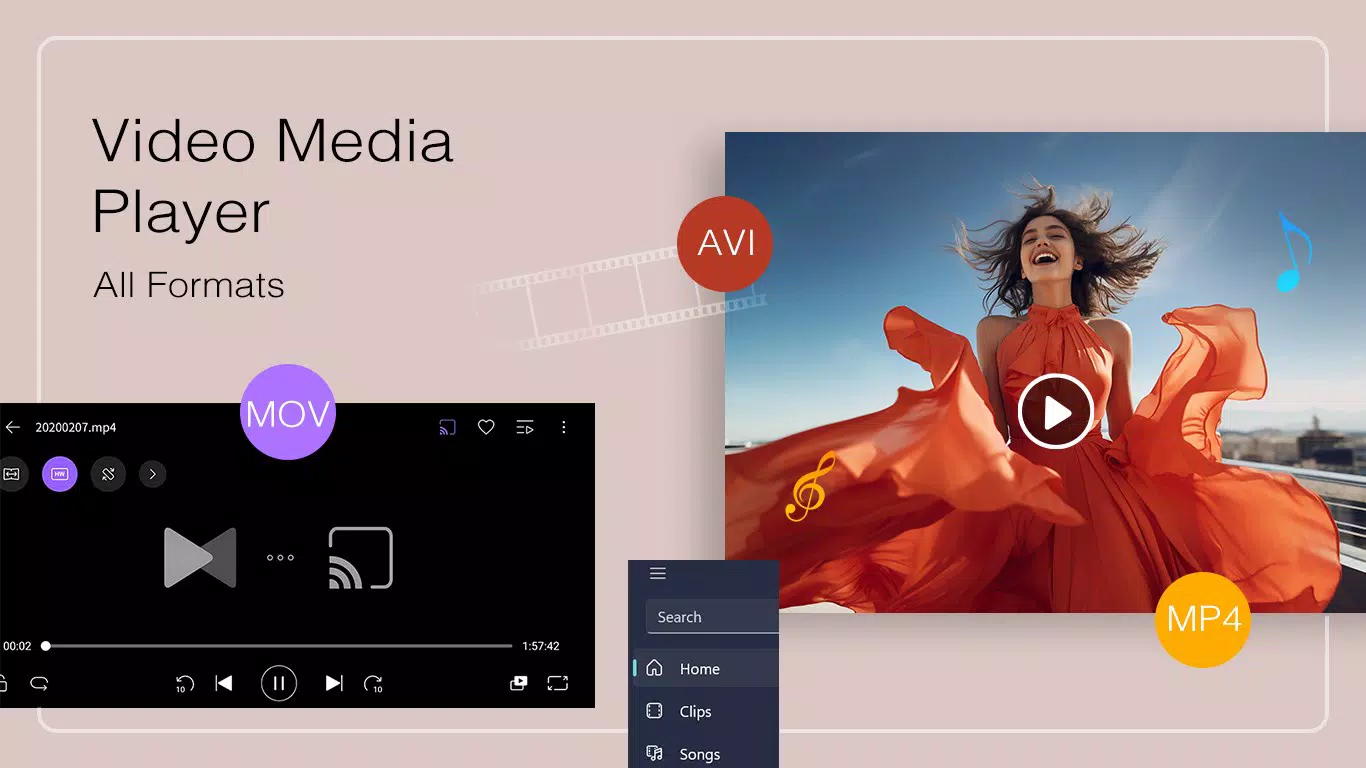
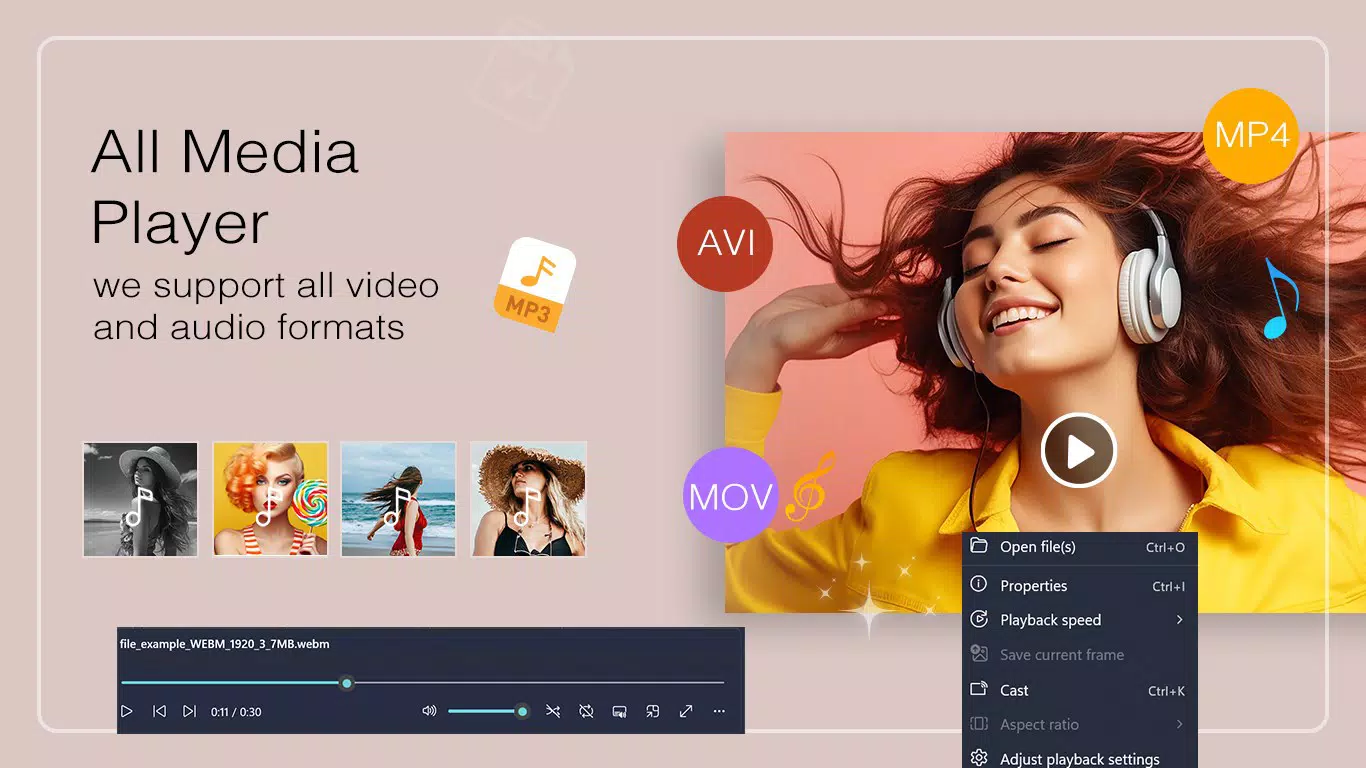
- Extensive Format Support: The player supports a wide range of video and audio formats, including .mp4, .avi, .mkv, .mp3, .wav, and .flac. This ensures compatibility with most files encountered in daily use, from downloaded movies to music recordings and home videos.
- High-Quality Playback: Leveraging hardware acceleration, the app delivers smooth playback of high-resolution videos, including 4K and 12K content. This allows users to enjoy detailed visuals without stuttering or lag, even on mid-tier devices.
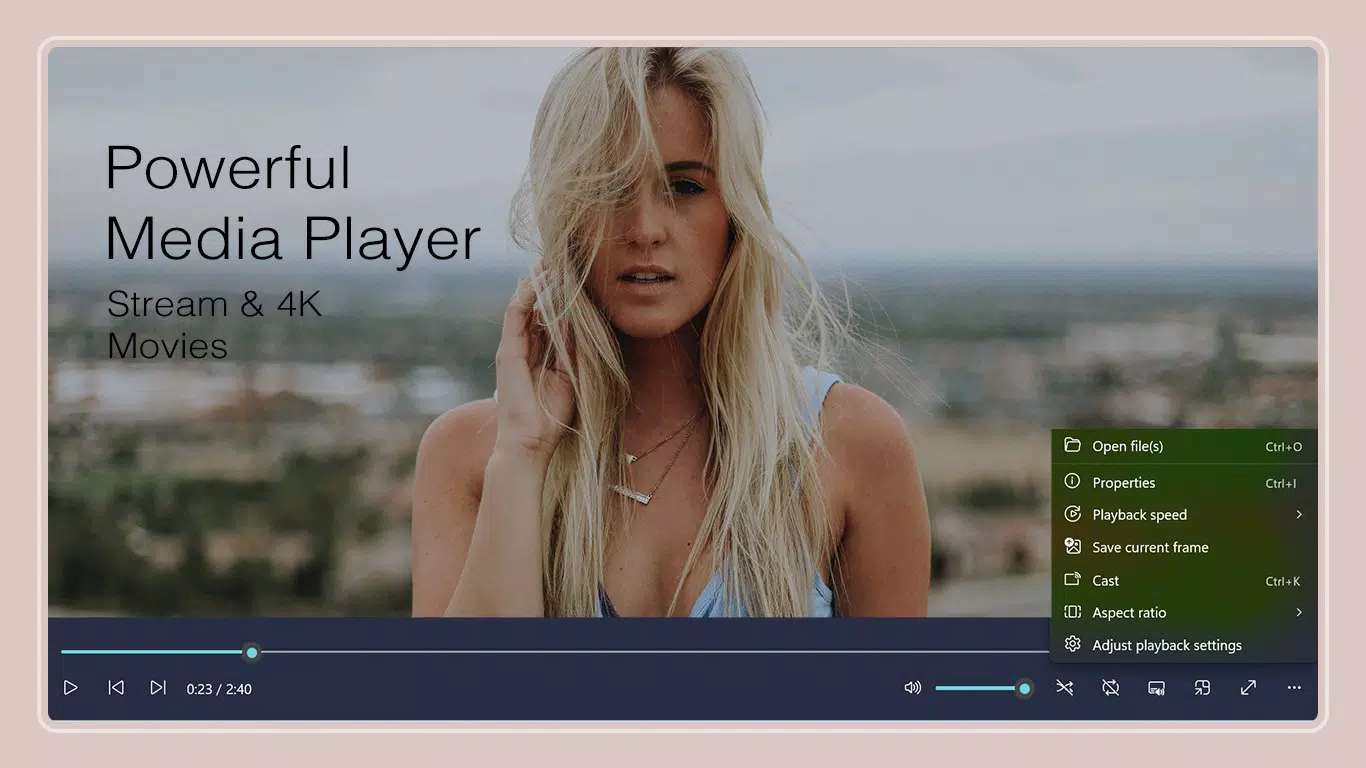
- Screenshot Functionality: Users can capture still images during playback with a single tap. This feature is useful for preserving memorable scenes, creating reference material, or sharing highlights from instructional videos.
- Playback Customization: The app enables users to adjust playback speed and aspect ratio. These settings are beneficial for learners reviewing tutorials at reduced speeds or for users who want to fit content to their screen dimensions.
- User-Friendly Interface: The layout allows for intuitive navigation, with straightforward options to add folders and manage media libraries. This simplifies access to large collections of audio and video files without requiring technical expertise.
For example, a student can use the adjustable playback speed to study a lecture at 0.75x, while a photographer might use the screenshot function to extract frames from a promotional video. These features collectively enhance usability and adaptability across diverse scenarios.
Interface, UX & Performance
The interface of Video Media Player - All Formats is designed with simplicity and functionality in mind. The layout emphasizes accessibility, allowing users to quickly locate playback controls, file navigation, and settings. Visual elements are clean and minimal, reducing distractions during media consumption. Navigation is consistent, with intuitive icons and menu placement that support efficient interaction.
Users can easily add media folders and browse their content without complex setup. The app’s responsiveness appears to be optimized for smooth operation, particularly during playback of high-resolution files. Although the developer did not list formal performance metrics, the app’s ability to handle 4K and 12K videos suggests efficient resource management. Stability during extended playback sessions is likely maintained through hardware acceleration, though specific testing data was not provided.
Performance across different device categories—such as budget smartphones, mid-range models, and high-end devices—was not explicitly disclosed. However, the app’s lightweight size of 18.4 MB indicates it is optimized for efficient use of storage and memory. Users can expect a consistent experience, especially on devices that support modern video decoding standards.
Platform Compatibility & Technical Requirements
Video Media Player - All Formats is available exclusively on the Android platform. It is compatible with Android devices running the required OS version, though specific minimum requirements were not listed. The app has a file size of 18.4 MB, which is relatively small for a media player with advanced playback capabilities, indicating efficient code optimization.
Given its free pricing model, the app is accessible to a broad user base. The latest version, 1.5.2, was released on December 26, 2023. While no update frequency was provided, the recent release suggests ongoing development and support. Compatibility with different Android versions and device types was not fully disclosed, but the app’s design implies broad accessibility across current Android devices.
Pros and Cons
Pros
- Supports a wide variety of video and audio formats, reducing the need for external converters.
- Delivers smooth playback of high-resolution content, including 4K and 12K videos.
- Includes a convenient screenshot feature for capturing moments during playback.
- Offers customizable playback settings such as speed and aspect ratio.
- Lightweight size and free pricing make it accessible and easy to install.
Cons
- The developer did not provide detailed information about minimum OS requirements or device compatibility.
- Specific performance benchmarks or stability reports were not available.
- Advanced features like playlist management or cloud integration were not mentioned.
- There is no indication of automatic update notifications or in-app update prompts.
- Information about user support or developer contact channels was not disclosed.
FAQ
Is Video Media Player - All Formats safe to download?
Yes, the app is available for free on the Android platform and does not require root access. It is designed to function as a standard media player without intrusive permissions.
Can I use this app to play 4K and 12K videos?
Yes, the app is engineered to support high-resolution video playback, including 4K and 12K formats, provided the device’s hardware can decode such content.
Does the app support audio files?
Yes, it supports various audio formats such as .mp3, .wav, and .flac, making it suitable for both video and standalone audio playback.
How do I take a screenshot while watching a video?
Simply tap the screenshot button during playback to capture the current frame. The image is saved to your device’s gallery automatically.
Is the app available on iOS?
Currently, the app is only available for Android devices. No iOS version has been announced.
Final Thoughts
Video Media Player - All Formats stands out as a practical, no-frills solution for Android users who need reliable playback across diverse media formats. Its ability to handle 4K and 12K content, combined with customizable playback settings and a built-in screenshot tool, makes it a versatile utility for both everyday use and specialized tasks. The clean interface and lightweight design enhance usability without sacrificing performance.
While some technical details remain undisclosed, the app’s free status and recent update reinforce its credibility and ongoing relevance. It is particularly valuable for users managing mixed media libraries or seeking a single app to replace multiple players. For anyone looking to enjoy high-quality audio and video on their smartphone without hassle, this tool delivers tangible value.
Download Video Media Player - All Formats now


